저번 html, css, js 로 이루어진 간단한 사이트 Cloudflare Pages 로 간단하게 배포해봤습니다.
이번에는 React 로 만들어진 웹을 배포합니다.
npx create-react-app my-react-app 등의 명령어로 react app 을 생성해줍니다.
이후 코드수정
git diff 를 쳐보니 수정사항 목록이 나오네요.
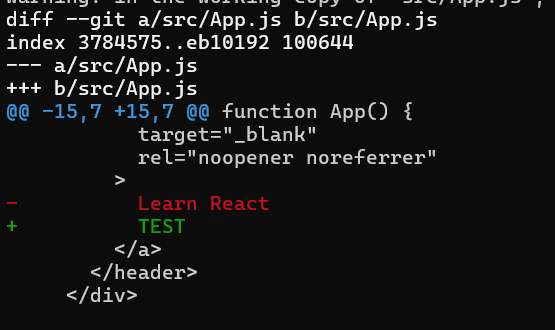
git status
On branch main
Changes not staged for commit:
(use "git add <file>..." to update what will be committed)
(use "git restore <file>..." to discard changes in working directory)
modified: src/App.js
no changes added to commit (use "git add" and/or "git commit -a")
해당 방법으로 react app 을 만드신 분들은 이미 git 으로 추적하고 있으니 다음과 같이 명령어 작성해서
본인의 github와 연결해줍시다.
다음과 같습니다
git init
git add .
git commit -m "Initial commit"
git branch -M main
git remote add origin https://github.com/your-username/your-repo-name.git << 여기다가 자신의 reposiroty git
git push -u origin main
으로 진행해줍니다.
이후 Cloudflare 에 접속해서 진행
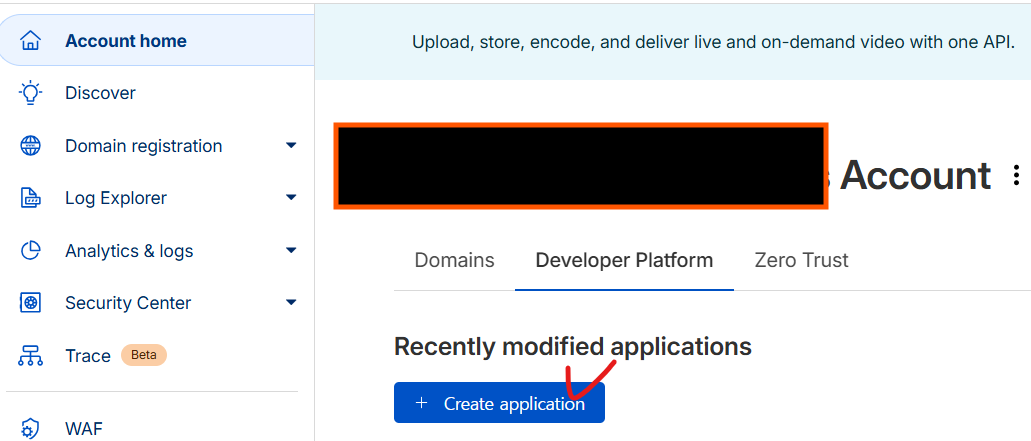
Account home -> Developer Platform -> + Create application
Pages -> Get started
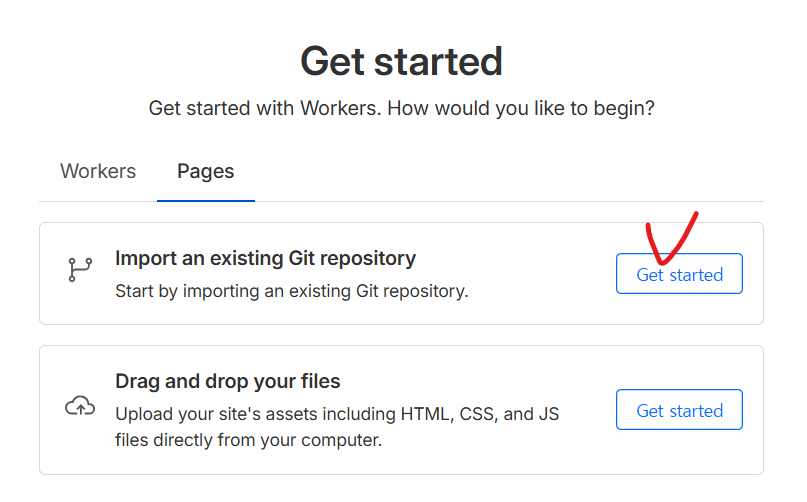
자신이 만든 react repository 가 안 보일 경우 페이지 하단의 Cloudflare Pages 클릭

쭉 내려와서
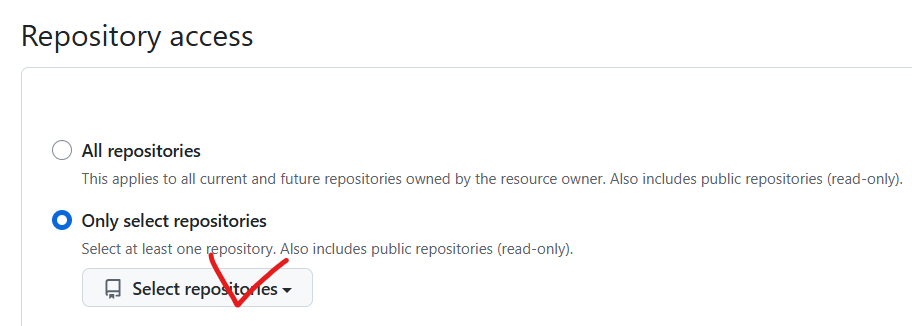
Select repositories 선택해서 자신이 만든 react application 추가해줍니다.
그러면 Main 페이지로 돌아가게 되는데 동일하게 Account home -> Developer Platform -> +Create application -> Pages -> Get Started -> Select a repository 로 가서 만든 React application 선택후 하단의 Begin Setup 클릭
그러면 입력폼이 나타나는데 여기에
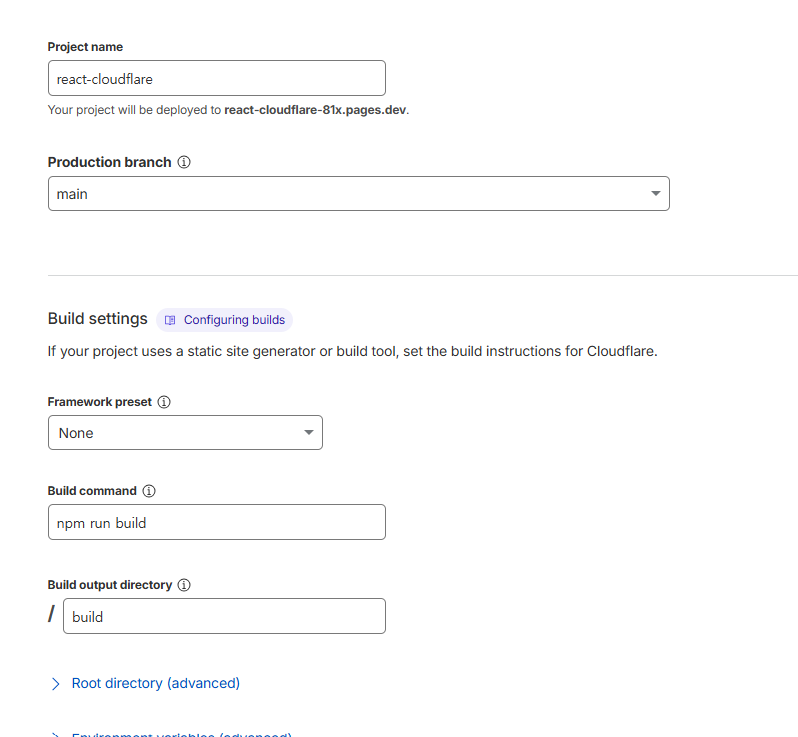
위와 같이 입력해줍니다 Project name 은 자율 나머지 동일하게 Root directory 등 작성할 필요없습니다.
아래의 Save and Deploy 클릭 Framework preset 은 React 등 선택하지 마시고 None 선택해주세요.
빌드중 ....
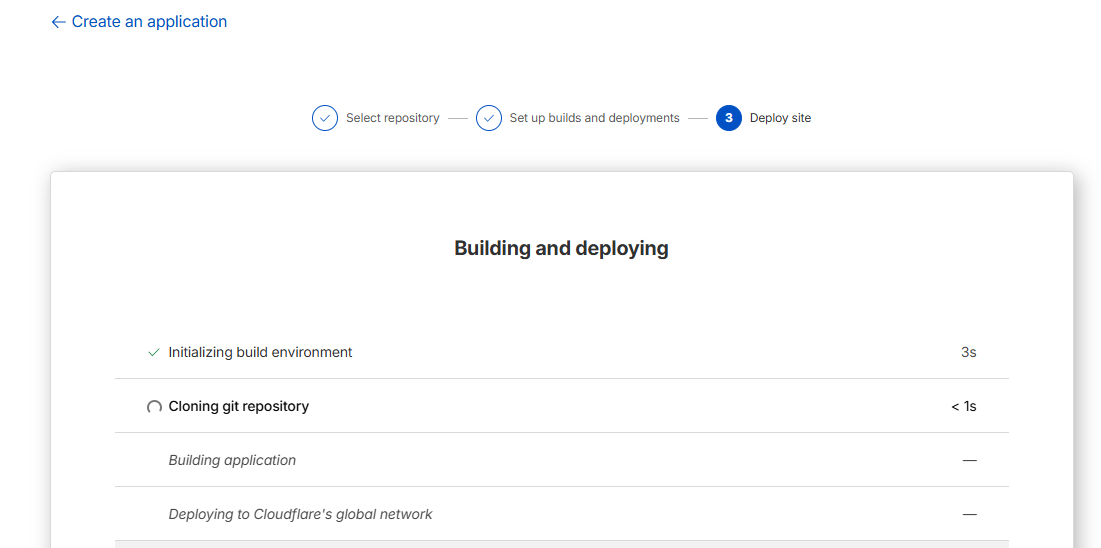
빌드 성공!
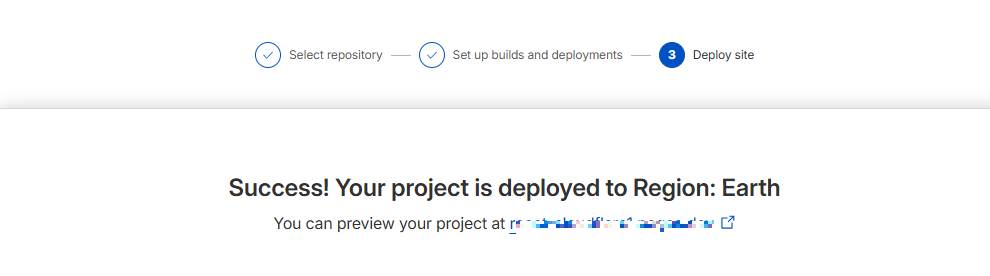
해당 도메인으로 들어가면
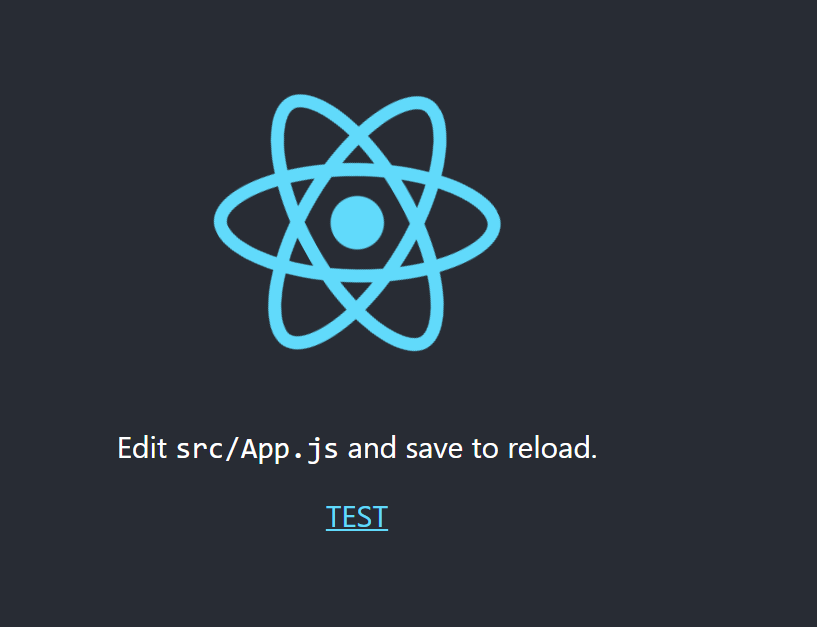
성공적으로 나오는 걸 확인할 수 있습니다.
이제 로컬에서 작업 후 main 에 git push 만 하게되면 자동으로 적용되니 좀 더 편하게 개발할 수 있습니다.
Cloudflare 등에서 이해안되는 부분이 있다면
https://normal-operating.tistory.com/49
Vercel 말고 Cloudflare로 무료로 3분만에 배포하기(딸깍)
요즘 맨날 Cloudflare 에서 사람임을 확인하세요. 뜨길래 뭐하는 데인지 싶어서 찾아보니무료 플랜이 있다. 진짜 딸깍 배포가 가능하니(CI/CD 구축 필요 X) 잘 따라와주시길... 준비물 : git / github 우선
normal-operating.tistory.com
해당 게시물 참고해주세요.
'취미 > 프로그래밍' 카테고리의 다른 글
| [AI] 맥북 claude code cli 로그인이 안될 때 해결방법 (0) | 2026.08.06 |
|---|---|
| Ai 영상 어떻게 만드는 거야? Ai 영상 무료로 만들기 가이드(feat. 일론 머스크) (1) | 2025.11.10 |
| Vercel 말고 Cloudflare로 무료로 3분만에 배포하기(딸깍) (0) | 2025.09.29 |
| AWS Lightsail scale up (0) | 2025.07.01 |
| Postgres MCP 연결해서 데이터 뽑기 (0) | 2025.06.04 |